A conference operating system, not another event tool.
ConferenceOS runs the entire conference in one self-contained system — website, CFP, schedule, tickets, sponsors, attendees, check-in, communications, support, and the books. It is agent-native: your own Claude or ChatGPT can operate and reshape it, and the traditional console is always right there beside it.
01/What it is
Three ideas, and everything else follows from them.
Most event platforms are a good product surrounded by five other subscriptions and a folder of spreadsheets. ConferenceOS is built the other way around.
01
Complete and self-contained
One system holds the whole conference: the public site, the call for proposals, the schedule, tickets and money, sponsors, attendees, onsite check-in, communications, support, and the report afterward. Not a hub that integrates six products — the products themselves, sharing one database.
No spreadsheet is load-bearing02
Agent-native, not AI-assisted
The AI is not a chat box bolted onto a form. Every capability is exposed as a permissioned tool your own assistant can call, so it can read the live event, complete the work, and reshape the system around how your conference actually runs.
Your AI operates it, not just describes it03
Both interfaces, always
Ask Claude or ChatGPT to do it, or click through the console yourself — same data, same permissions, same audit trail. You never lose the screens, dashboards, and confirmations you would expect from ordinary software.
Conversation and console, never a choice
02/Self-contained
The stack a conference team usually assembles — already assembled.
Each row is a subscription, a login, an export, and a reconciliation step that stops existing. One database means a speaker, a ticket, and a sponsor are the same records everywhere they appear.
Event website and CMSBuilt in — themed public pages, policies, FAQ, news
Ticketing platformBuilt in — tiers, discounts, your own Stripe account, or link out to the ticket page you already use
CFP and review toolBuilt in — proposals, reviewers, scoring, acceptance
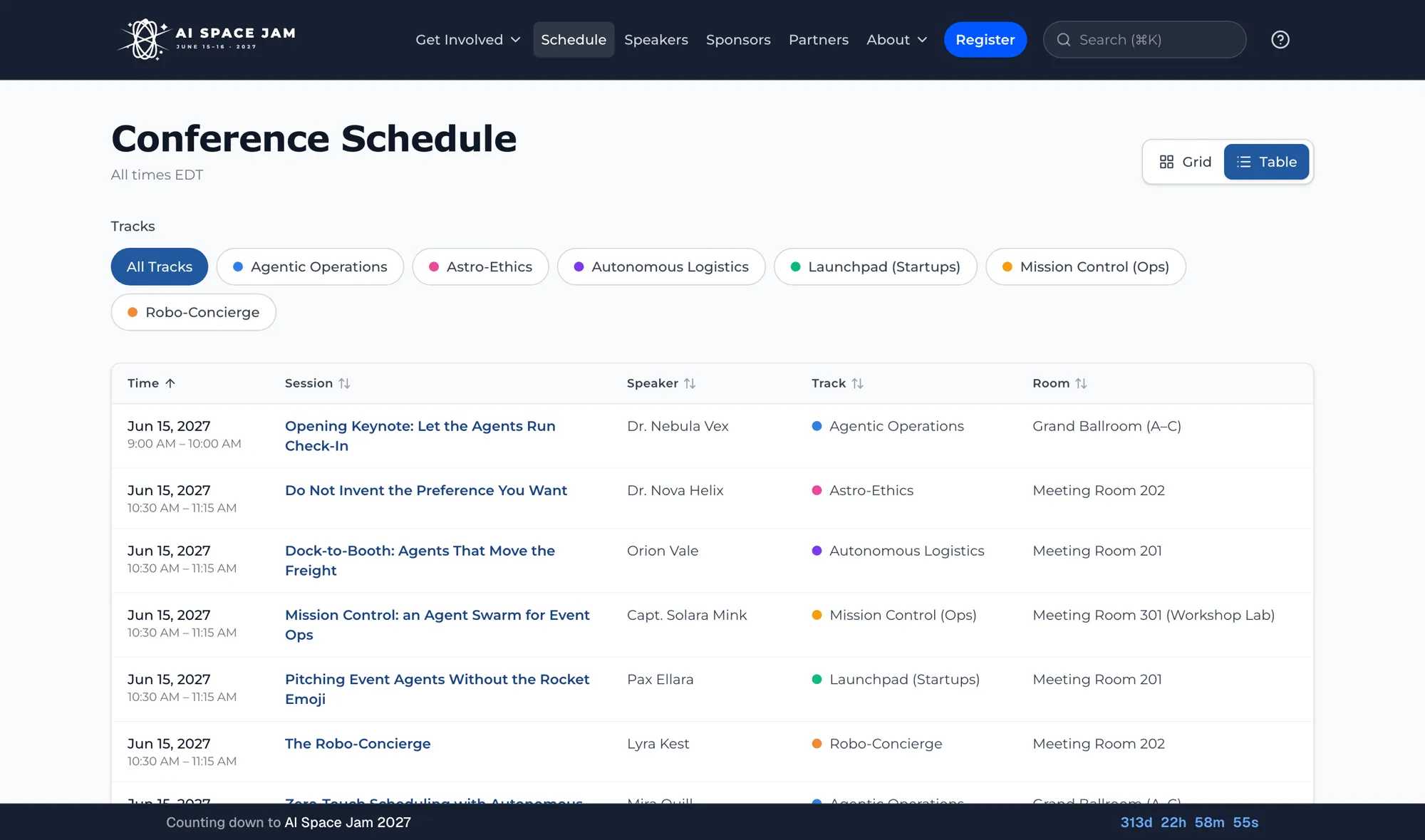
Scheduling toolBuilt in — tracks, rooms, capacity, sign-ups
Attendee mobile appBuilt in — installable, no app-store download
Sponsor and expo spreadsheetBuilt in — packages, portal, deliverables, booths
Email and broadcast platformBuilt in — segments, sends, consent, ESP sync
Support inboxBuilt in — cases, queues, replies, satisfaction
CRM and pipelineBuilt in — people, organizations, deals, history
Budget and P&L workbookBuilt in — revenue, expenses, vendors, refunds
Why it matters
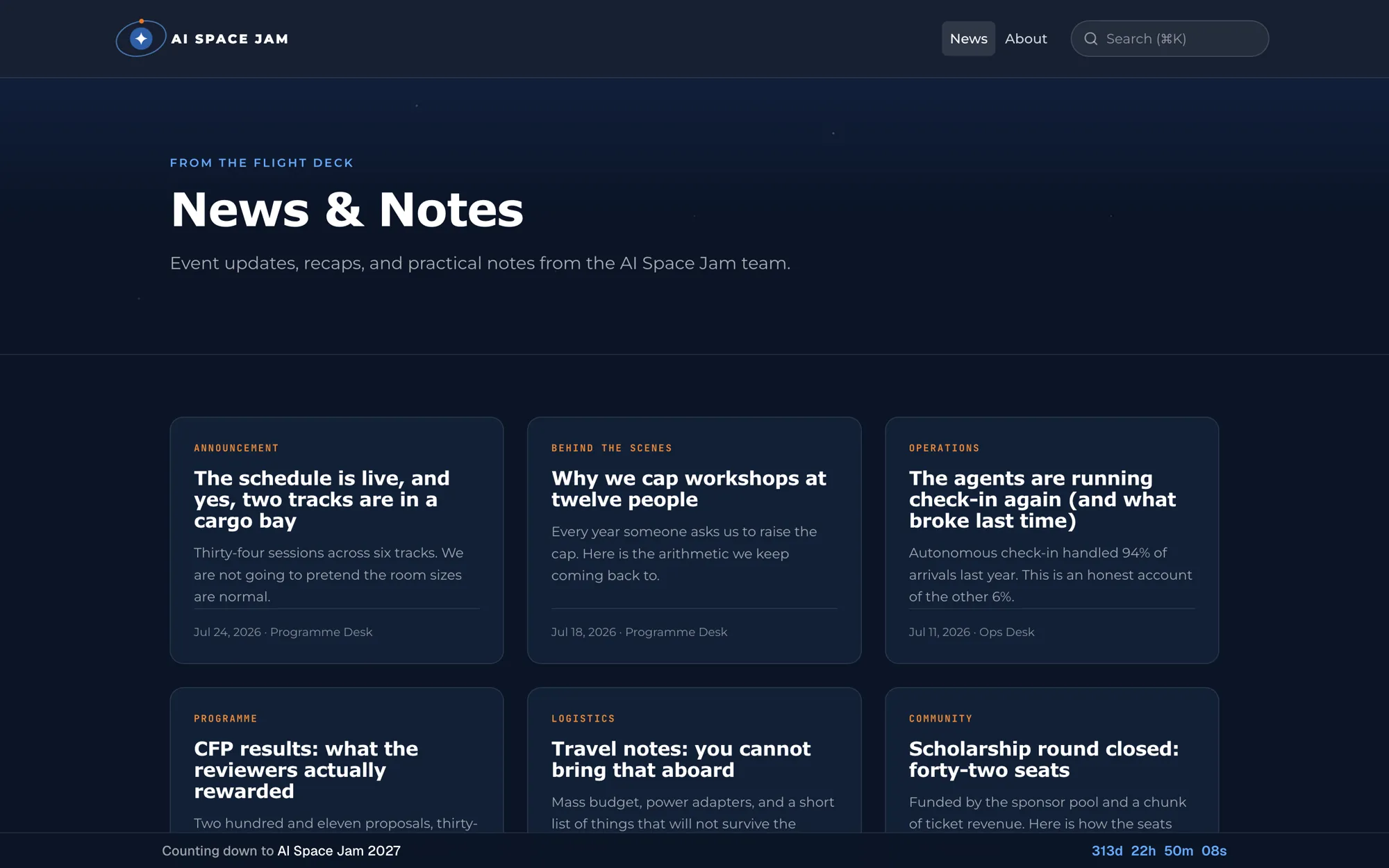
Nothing is load-bearing that you have to maintain by hand. When the schedule changes, the public site, the attendee app, the personal agendas, and the notifications change with it — because there is only one schedule.
“Event website and CMS” is a row in that table, not a separate subscription. Announcements, policies and FAQ render from the same event.
03/Both interfaces
Agent-native does not mean chat-only.
Every job can be done by asking your AI or by clicking through the console. Same data, same permissions, same audit trail — so adopting the AI is never a bet you have to make all at once.
Move a session to a different room
Ask your AI
“Move the 2pm panel to Room 204 and tell everyone affected.”
Or use the console
Open the schedule builder, drag the session, confirm the notice.
Find who still owes materials
Ask your AI
“Which accepted speakers haven’t uploaded a headshot?”
Or use the console
Filter the speaker list by outstanding deliverables.
Issue a refund
Ask your AI
“Refund order 4471 in full — she broke her ankle.”
Or use the console
Open the order, choose refund, enter the amount and reason.
Understand the week
Ask your AI
“What changed since Monday, and what’s blocked?”
Or use the console
Read the activity feed and the readiness dashboard.
Whether a session moves by conversation or by console, this is where it lands. Same record, one public surface.
04/The agent operating loop
Useful enough to act. Controlled enough to trust.
The AI does not get blanket access. Every request is grounded in event context, bounded by the role on its key, and captured in the operating history.
01
Understand
The AI reads the live event — sessions, registrations, speakers, money, and the current state of the work — through tools scoped to its role.
02
Act
An instruction becomes a bounded change: the session moves, the notice drafts, the refund processes, the record updates. Same write path the console uses.
03
Verify
CRM writes come back as a preview before they commit, and every action — human or AI — lands in one audit trail you can read afterward. A blocking approval queue across all write tools is on the roadmap.
05/Adapt it
Your conference is not the one the software imagined.
Every conference has a rule that does not fit the form — a scholarship track, a weird sponsor tier, a review process with three rounds. Four layers of adaptation, from asking for it to building it yourself.
SHAPE
Shape it by asking
Ticket tiers, tracks, review criteria, policies, sponsor packages, email templates, and the public pages are all configuration your AI can set up and change on request — not a support ticket and not a release cycle.
BRAND
Make it look like you
A visual theme editor with live preview controls colors, typography, logo, and button style across every attendee-facing page. Save it as a template and carry it to next year’s event.
EXTEND
Build it in, or plug it in
Every core capability is already here. For the thing that is not, you have two honest options: connect the tool you already use through the versioned REST API, a native connector, or CSV export — or have your AI build the missing piece against the same permissioned tools it uses for everything else. Neither one requires database access or a services engagement.
OWN
Keep it yours
Your own instance, your own database, your own Stripe account and payout schedule, and a configuration backup you control. Leaving is an export, not a negotiation.
Complete core, open edges
Self-contained is not the same as closed. Everything a conference actually needs ships in the box — so integrations are a choice you make, not a tax you pay to reach a working system. When you do want something else, connect it or build it.
06/The whole system
Everything that ships, in one list.
No add-on modules and no per-feature upsells — this is the product. The roadmap of what is not here yet is stated just as plainly on the features page.
SETUP
Event setup & branding
Multi-event workspace with per-event configuration
In-person, virtual, and hybrid formats
Your own custom domain per event
Policies, FAQ, and custom public pages
Theme editor with colour, type, and button presets, plus two site templates
Private events with access passwords, and coming-soon mode
TICKETS
Ticketing & registration
Unlimited ticket tiers with sale windows and discounts
Stripe checkout with full and partial refunds
Group and corporate registration with invoicing
Self-service ticket transfers and custom questions
Scholarship applications with auto-generated codes
CFP
CFP & speakers
Guided multi-step proposal wizard
Multi-reviewer scoring and status workflow
Public speaker directory and profile pages
Share kits with auto-generated speaker cards
AGENDA
Schedule & sessions
Multi-track drag-and-drop schedule builder
Rooms, capacity, and session sign-ups with waitlists
Personal agendas with session reminders
Session reviews and post-event recap pages
Video, slides, and workshop material distribution
EXPO
Sponsors & expo
Tiered packages and interactive prospectus
Sponsor portal with asset approval workflow
Booth picker with floor-plan maps and virtual booths
Comp-ticket allotments with claim links
Commitment and benefit-fulfillment tracking
PEOPLE
Community & networking
Opt-in attendee directory with privacy controls
QR contact exchange and peer messaging
Moderation queue, block, and report tools
Karma, badges, and activity recognition
Event reviews and curated testimonials
GROW
Growth & attribution
Promotions workspace with connected Meta, Google, and LinkedIn ad accounts
AI-assisted ad creative
First- and last-touch UTM attribution to registrations
Tracked referral links that credit conversions as karma
Invitation lists with conversion funnels
COMMS
Communications
Broadcast composer with saved audience segments
Scheduled sends and delivery tracking
Organizer SMS broadcasts and event-day alerts
ESP sync: Beehiiv, Kit, Mailchimp, and more
Web push notifications
Consent-aware, per-channel opt-in preferences
VIRTUAL
Virtual & hybrid
Beehiiv Webinars with session mapping and registrant sync
Link a Zoom, Livestorm, YouTube Live, StreamYard, or WebinarJam session
Attendance from provider sync or CSV import
Separate virtual registration flows
SUPPORT
Support desk
Shared inbox that turns inbound email into tracked cases
Per-queue routing rules, first-response SLA targets, and breach alerts
Threaded replies with CC participants and reply-all
Internal notes with @mentions and “someone else is replying” collision guards
Tags, snooze, saved views, and templated auto-acknowledgement
One-tap satisfaction rating on resolve, reported by queue and assignee
PRODUCTION
Production & project management
Projects per event with task boards and lists
Task assignees and a per-event team page
Milestones with due dates and status
Task notes with @mentions and file attachments
Reusable project templates
CRM
Relationships & pipeline
One contact record per person, linked across every event and role they hold
Pipeline stages, tasks, notes, and organization rollups
Deliverable checklists with due dates and automated chasers
Support history on every person and organization profile
Prospect CSV import with dry-run preview
Unrenewed-sponsor lookup through the AI assistant
Export to your own Twenty workspace
MONEY
Money operations
Revenue dashboard across tickets and sponsors
Budgets and expenses with P&L
Vendor directory linked to spend
Refund processing with a complete audit trail
Sequential ticket ladders that unlock as tiers sell out
AI
AI & extensibility
AI support agent grounded in live event context
MCP server with role-scoped read and write tools
CRM and budget writes preview the change before committing
Versioned REST API with scoped keys and a published OpenAPI document
Embeddable schedule widget for your own site
AI session recaps and newsletter summaries
TRUST
Trust & operations
Clerk authentication with Google, Microsoft, GitHub, and LinkedIn sign-in
GDPR/CCPA export and erasure workflows
Consent capture with withdrawal
Bot protection and rate limiting across every public form
Content moderation and prompt-injection guards
Public status page, audit logging, and a deployment hardening check
07/One lifecycle
Context your AI can carry through the event.
The same operating model carries decisions and data across every stage instead of resetting at each tool or team boundary.
01
Plan
02
Publish
03
Program
04
Sell
05
Operate
06
Report
08/Go deeper
One idea per page, from here.
The business case, the capability detail, the operating model, the architecture, and the honest comparison against what else you could buy.